






How to get your business on Google Maps.
A step-by-step guide to your Google Business Profile, the free listing that puts you on Google Maps.
By Vedanti Pawar, ASVA.studio · Updated 21 Oct 2026
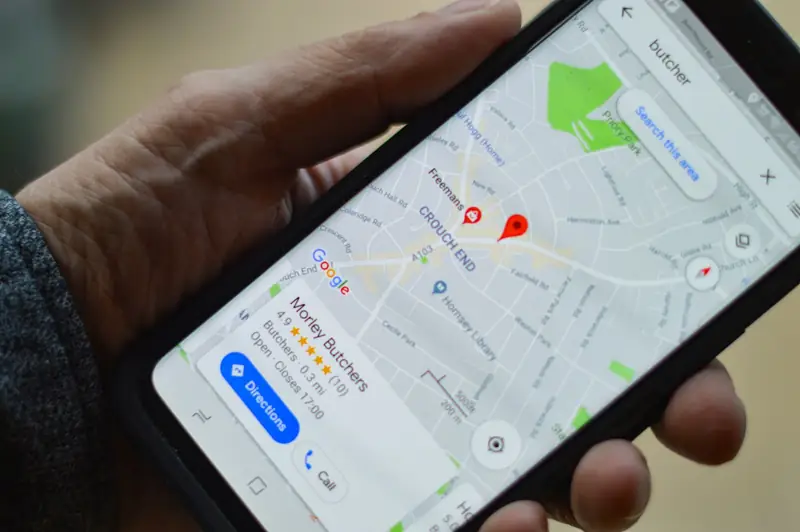
Why it matters
When someone searches for a service near them, Google often shows a map with three businesses before any website. Those listings come from Google Business Profile. A complete, verified profile is one of the fastest ways for a business to get found.
Set it up, step by step
- Go to Google Business Profile and sign in with a Google account you'll keep long term, ideally linked to your business email.
- Enter your business name exactly as customers know it. Don't add keywords or areas to the name; Google's guidelines don't allow it.
- Choose your main category. Be specific, for example "Dental clinic" rather than "Health". You can add more later.
- Add your location or service area. If customers visit you, add the full address with unit number and postal code. If you visit customers, set a service area and hide your address.
- Add your phone number and website. Use a number customers can actually reach you on.
- Verify. Google offers one or more ways, such as a phone call, email, video recording or postcard. Options vary by business.
Complete your profile
- Hours, including public holiday hours.
- Services with short, plain descriptions.
- Photos of your shopfront, inside, team and work. Real photos, not stock.
- Description saying what you do, who for, and where. Mentioning the nearest MRT station helps people picture where you are.
- Website link to the most relevant page, not always the home page.
Keep it active
- Ask happy customers for reviews, and reply to every review, good or bad.
- Post updates or news now and then.
- Answer questions in the Q&A section before someone else does.
- Keep your hours and phone number up to date.
Patients can leave Google reviews as normal. The MOH rules are about what your clinic copies onto its own website and social media. See our clinic advertising guide.
Quick answers.
Is Google Business Profile free?
Yes. Creating and managing the profile is free.
I work from home. Can I still have a profile?
Yes. Set a service area and hide your home address.
Let's build
what's next.
Send a rough idea. You'll get a fixed scope, price and timeline within 24 hours.
Fixed price · Full ownership · Reply within 24 hours, wherever you are
Go on, pick one up and throw it.